Save configuration
Two buttons save the current configuration, so that you can return to it later. The configuration is saved in a .json file (see Configuration file). This file can be edited manually, and any changes will be applied when the file is loaded.

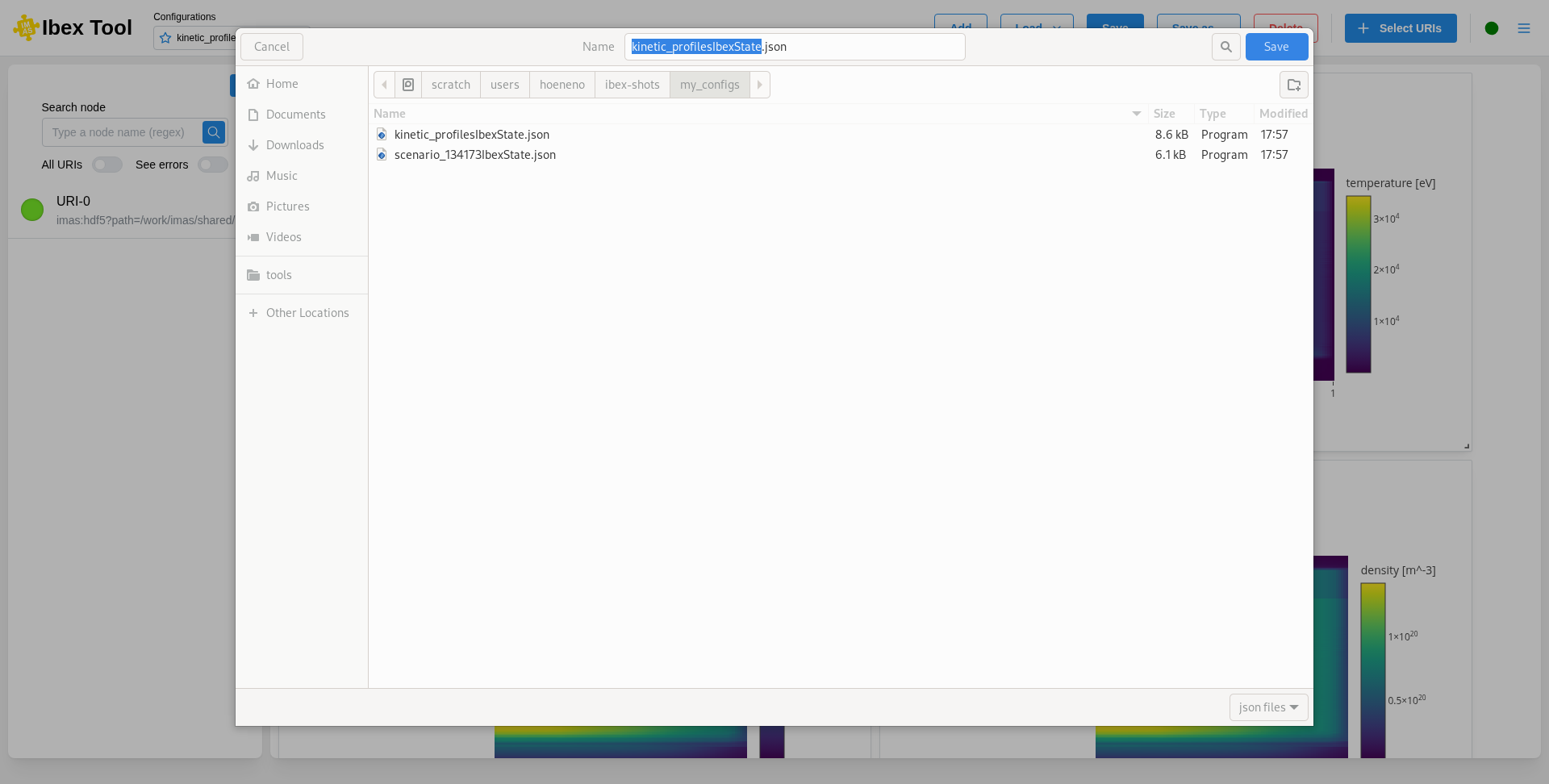
Save writes the configuration to its file. The first time a configuration is saved, a file explorer opens so that you can choose the name and location of the file. After that, “Save” simply updates the same file, and is greyed out while there is nothing new to save.
Save as… always opens the file explorer, starting in the folder of the current file (or, for a configuration not saved yet, in the directory IBEX was started from), so that you can save the configuration to another file, for example to keep the previous version. The configuration is then linked to the new file: the next “Save” writes to it.
Make sure to save your configuration if you want to access it again in the future. If a file cannot be written, an error is shown and the configuration stays marked as modified.