Preferences menu
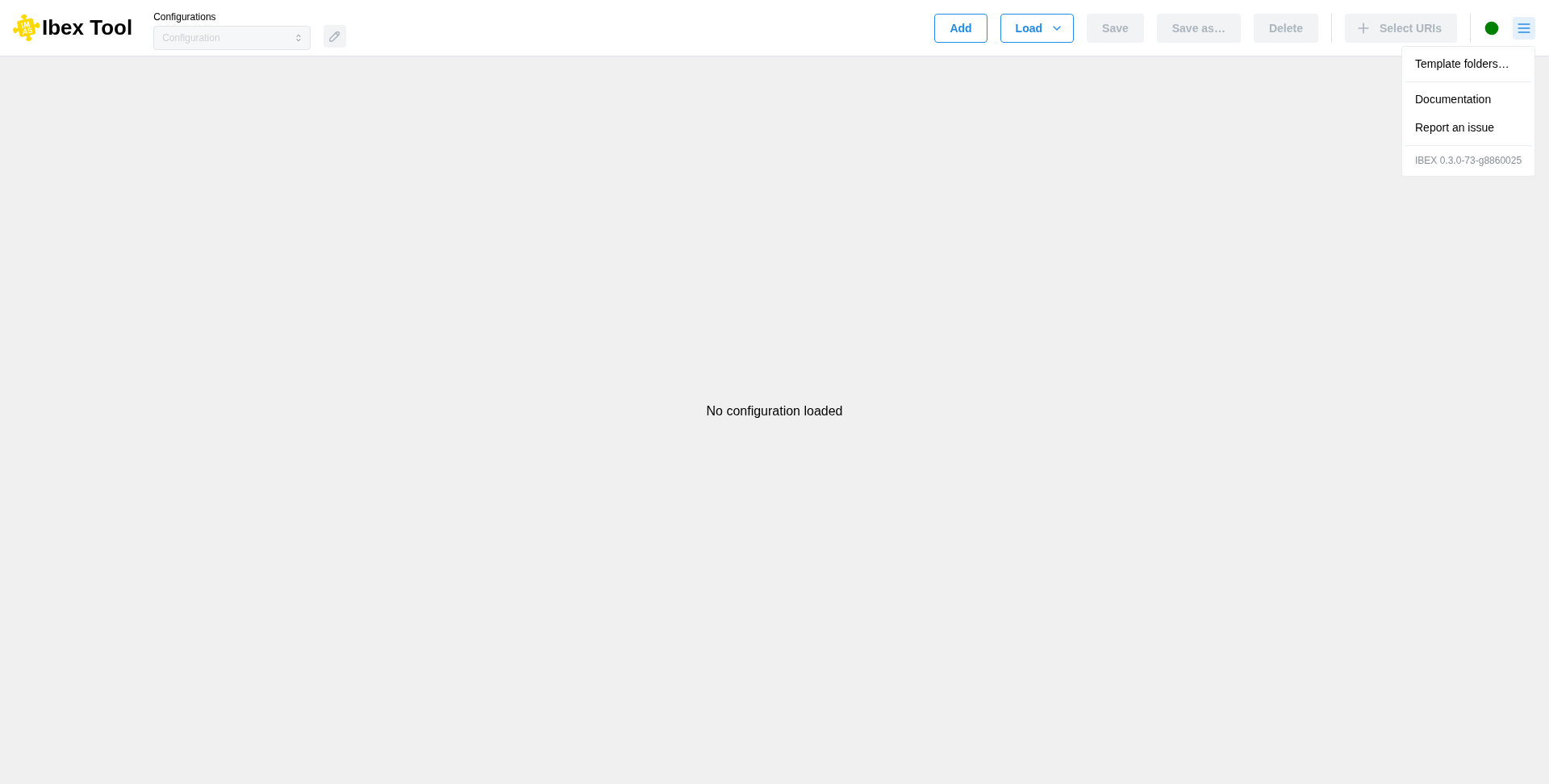
The menu button at the right end of the header (☰) opens the user preferences and help:
Template folders… sets the location of the folders that contain your templates;
Documentation and Report an issue open this documentation and the IBEX GitHub issues in your web browser;
the last line shows the IBEX version.
IBEX has no menu bar. Two keyboard shortcuts are still available: F11 toggles full screen and Ctrl+Shift+I opens the developer tools.
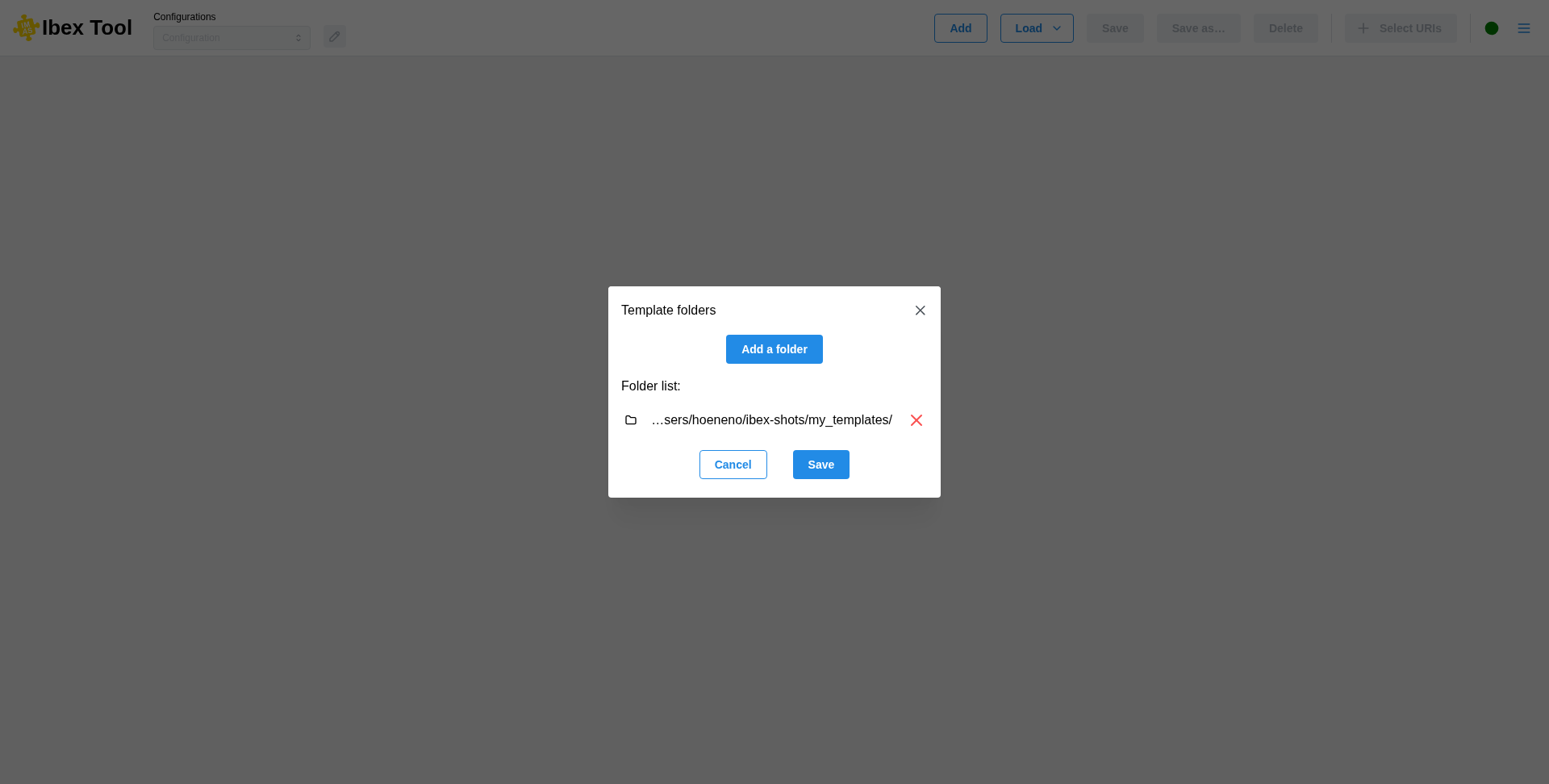
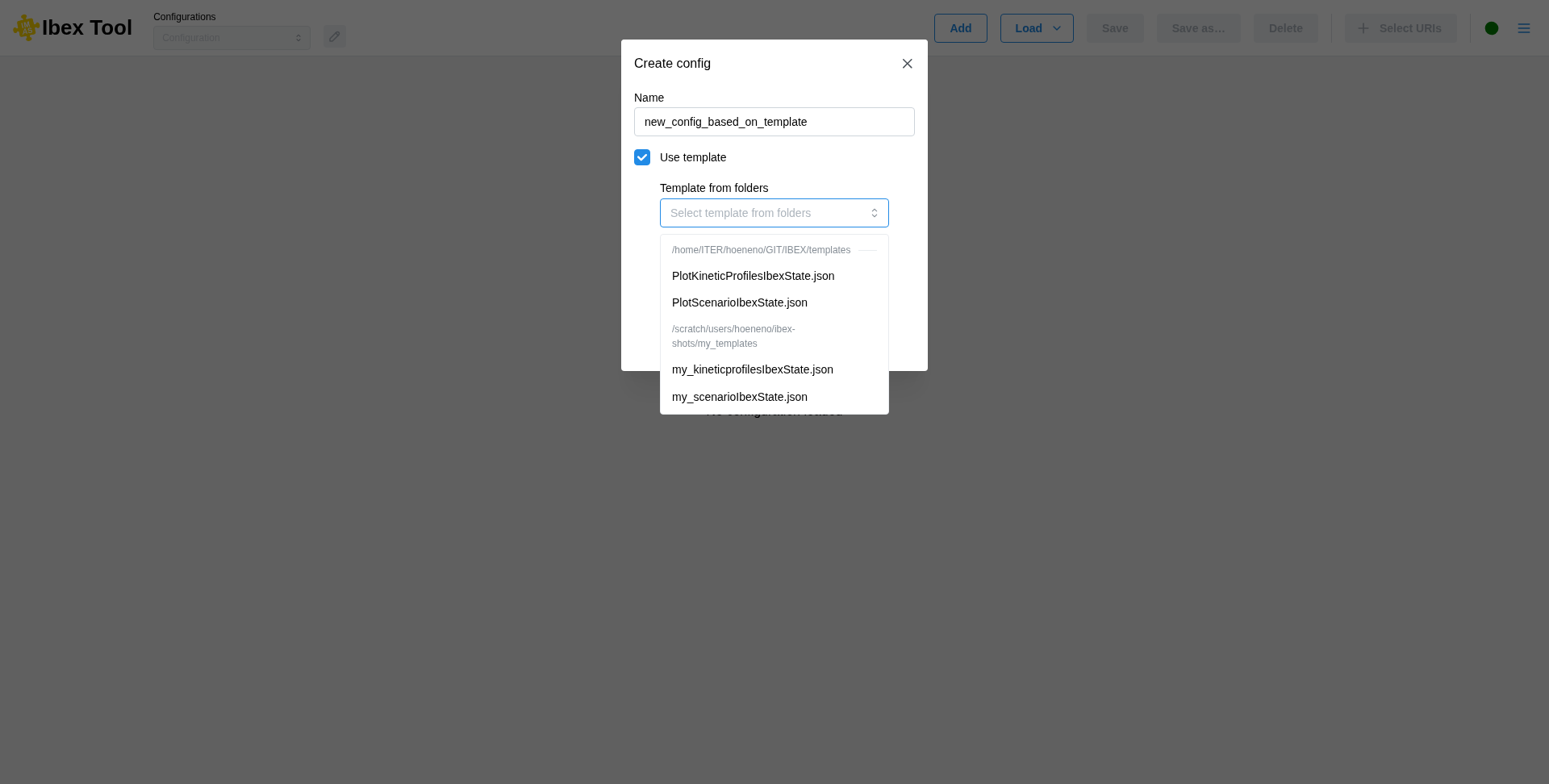
Once defined, when creating a configuration, the selectable templates will be accessible in the “Template from folders” list. The templates of these folders can also be given by name on the command line, with --template (see Command-line options).